You can find your Pura Vida Bitcoin username in the wallet settings.
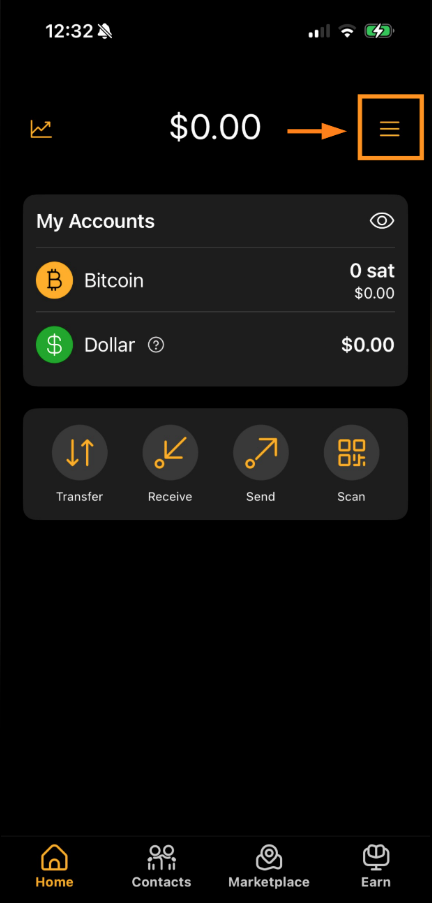
Open the Pura Vida Bitcoin Wallet app
Tap the settings icon in the top-right corner of the screen
Scroll to the section labeled “Ways to get paid”
Look for the field titled “Your Lightning address”
It will look something like:
yourname@pay.puravidabitcoin.io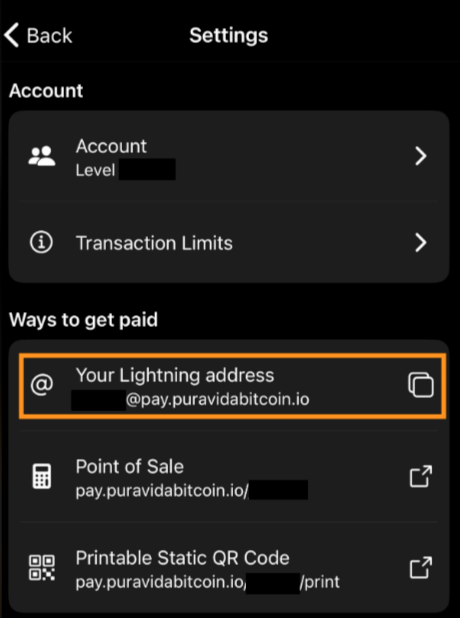
If you have not set your lightning address yet it will look like this: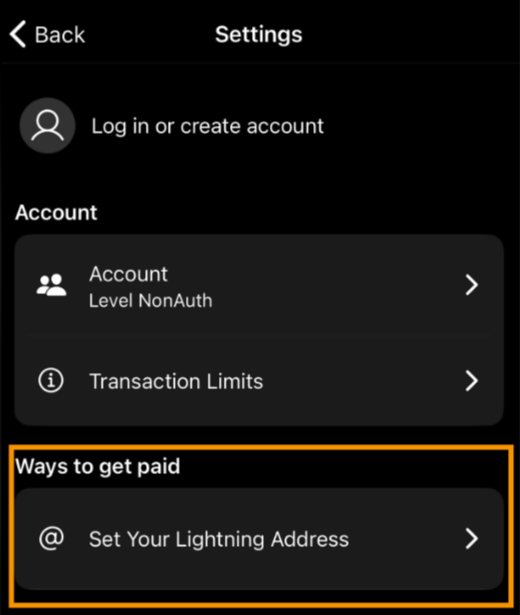
Was this article helpful?
That’s Great!
Thank you for your feedback
Sorry! We couldn't be helpful
Thank you for your feedback
Feedback sent
We appreciate your effort and will try to fix the article